

 Perplexity
 ChatGPT
 Claude
 Gemini
 Grok
Most B2B marketing teams are generating leads. The real problem is that those leads often disappear into a void once they reach the sales team. That’s because there is no shared record, no common language, and no way to tell which campaigns actually brought in revenue.
The cost of that disconnect is not abstract. It shows up in wasted ad budgets, missed follow-ups, and monthly reports that raise more questions than they answer.
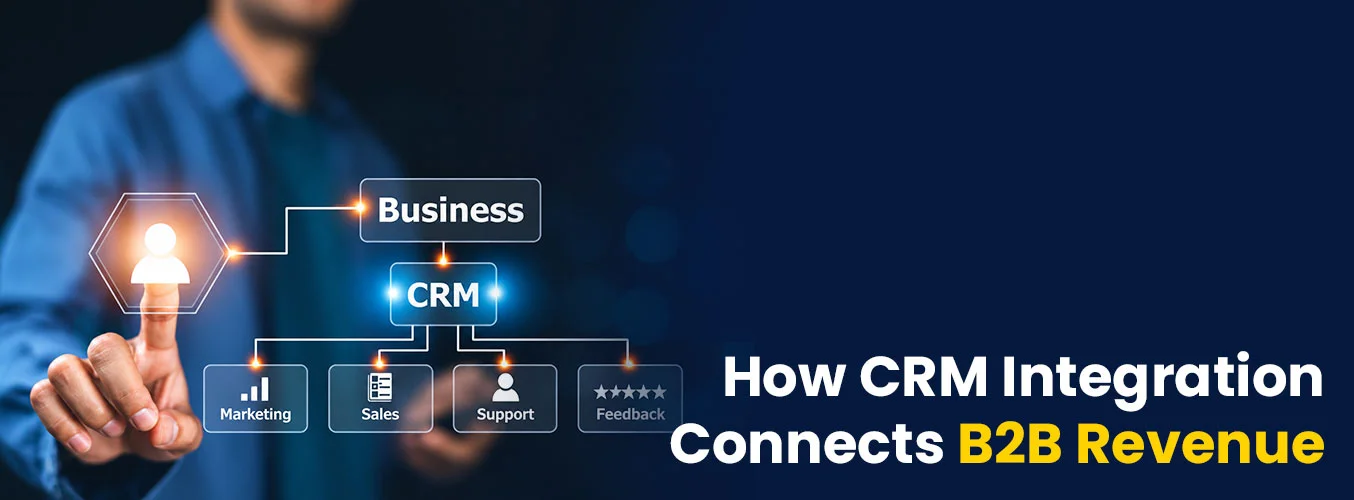
CRM integration is the operational fix that pulls these pieces together. When a company’s marketing tools, sales pipeline and revenue data talk to each other in real time, the full picture of a buyer’s journey becomes visible. Marketers can then see what happens after a lead is handed off and sales teams can see exactly what a prospect engaged with before picking up the phone.
Nearly 91% of companies with ten or more employees now use a CRM (Customer Relationship Management) solution. But having a CRM and connecting it properly to marketing systems are two very different things. The gap between the two is where most B2B growth problems live.
Here, we will discuss CRM integration for B2B marketing and how every lead is tracked, every campaign is accountable, and every dollar is counted.
What This Guide Covers
It doesn’t matter if your team is just getting started with CRM integration or trying to fix a system that is only half-working. This guide walks you through how B2B companies connect leads, sales, and revenue through a properly integrated CRM.
What Does CRM Integration Mean for B2B Marketing?
CRM integration is the process of connecting your CRM platform to the marketing, sales, and revenue tools your team already uses, so contact data flows automatically between systems instead of sitting locked inside each one. It replaces manual data entry with a single, real-time record of every buyer.
Here is what that looks like in practice:
- A prospect clicks a LinkedIn ad and fills out a form. The CRM creates their record with the ad source attached.
- They open a follow-up email and visit the pricing page. Both actions update the same record automatically.
- A sales rep moves them to “opportunity.” Marketing can see it happen in real time.
- When the deal closes, the revenue is tied back to the original campaign.
That closed loop is what most B2B marketing teams are missing.
Why Disconnected Systems Cost B2B Teams Real Money
Research from IDC estimates that 20 to 30 percent of annual revenue is lost to data silo inefficiencies. For a company generating $10 million, that is up to $3 million disappearing every year, not from weak marketing but from teams working off two different versions of the same customer data.
Response time compounds the damage. The average B2B sales team takes 42 hours to respond to a new lead, and nearly four out of ten leads never receive a response at all. A connected CRM changes that. When a form submission automatically assigns a task to the right rep, response times drop from days to minutes.
Businesses using integrated sales-marketing CRM workflows report up to 41% more revenue per sales rep, according to recent industry data.
How CRM Integration Improves Lead Management and Identifies Sales-Ready Leads
When a lead enters your system from any source, including Google Ads, a LinkedIn campaign, or a webinar, the CRM captures the origin and logs every engagement automatically. Automated lead scoring then uses engagement signals combined with firmographic data to assign a score that determines when a lead is sales-ready.
See What the Right Digital Marketing Strategy Could Do for Your Business
The most reliable buying signals to track are:
- Repeated visits to high-intent pages such as pricing or case studies.
- Bottom-of-funnel content downloads.
- Attendance at product demos or webinars.
- Strong firmographic fit combined with recent activity.
The difference shows up in results. Teams using automated lead scoring consistently convert more marketing-qualified leads than those relying on manual review, because the system prioritizes leads based on behaviour and firmographic fit, not instinct.
How CRM Integration Supports Sales and Marketing Alignment
Sales and marketing misalignment is one of the most expensive operational problems in B2B, and it shows up in missed handoffs, wasted budget and disputed pipeline numbers. Shared CRM data is the most direct fix.
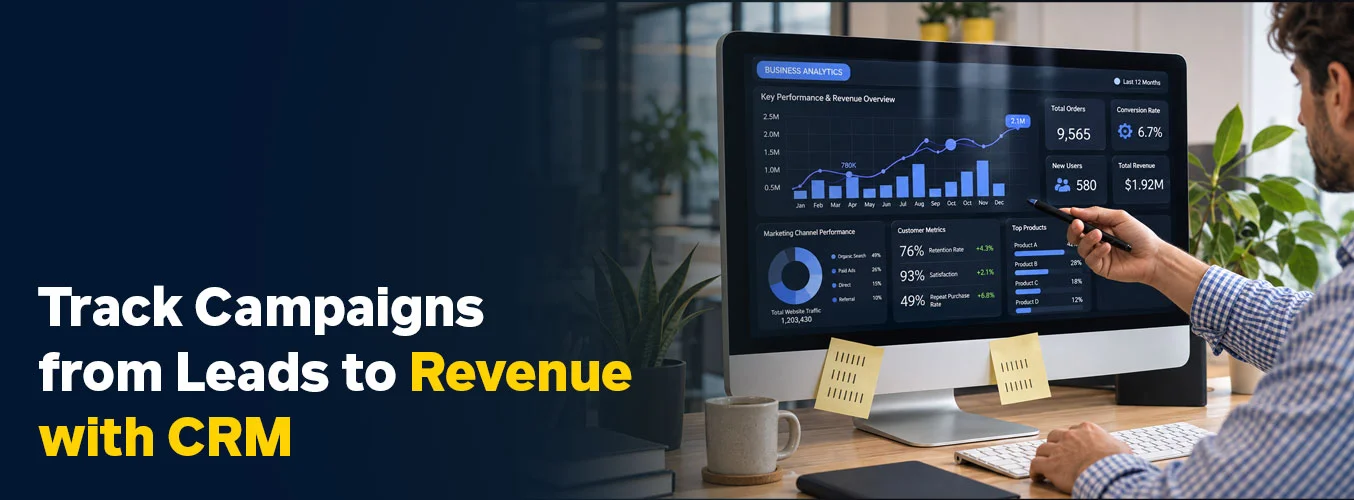
When both teams look at the same record, closed-loop reporting becomes possible. Marketing can see which campaign sourced a customer. Sales can see which touchpoints a lead engaged with before the first call. A shared dashboard typically surfaces:
- Leads by source and volume.
- SQL conversion rate.
- Pipeline value by campaign.
- Closed revenue by channel.
When both departments measure the same things, the conversation shifts from “who missed the target?” to “which part of the funnel do we fix next?”
How CRM Integration Connects Campaigns to Revenue and Improves Attribution
A campaign runs, leads come in and three months later nobody can say whether those leads became customers. CRM integration with attribution tools closes that gap. When a lead enters the CRM with a campaign source attached and eventually closes, the revenue is traced back to the original campaign.
Understanding marketing attribution models matters here:
- First-touch gives all credit to the first marketing interaction.
- Last-touch gives all credit to the final touchpoint before conversion.
- Multi-touch distributes credit across every interaction in the buyer’s journey.
For B2B companies with long sales cycles and multiple decision-makers, multi-touch is the most accurate model. When your CRM and ad platforms live in separate silos, you lose visibility into what is actually driving revenue. A properly integrated CRM makes all three models available so teams can choose what fits their reporting needs.
What B2B Marketing Tasks Can Be Automated Through CRM Integration?
A connected CRM handles several time-consuming tasks automatically:
- Lead routing assigns new contacts to the right rep the moment a form is submitted.
- Follow-up sequences trigger when a lead reaches a certain score, so no contact goes cold.
- Re-engagement campaigns fire when a lead goes quiet for a defined number of days.
- Notification alerts tell reps when a lead visits the pricing page or opens a proposal.
AI-native workflow automation is now one of the most important CRM features for B2B teams to evaluate. Rule-based automation fires when a condition is met. AI-driven automation learns from patterns and surfaces opportunities a rules engine would miss. That said, final enterprise outreach, personalized proposals, and contract negotiations should always stay in human hands.
Which Platforms Should You Connect, Including Google Ads and LinkedIn?
A CRM is only as useful as the data flowing into it. These are core integration points for most B2B teams:
- Email marketing platforms should sync opens, clicks, and unsubscribes to contact records.
- Ad platforms should pass lead source data and offline conversion signals back to the CRM.
- Website analytics can feed page visit history to contact records.
- Webinar platforms should log attendance as CRM activities.
- Customer support tools keep post-sale interactions visible to marketing.
For paid advertising specifically, server-side conversion tracking on both Google and LinkedIn achieves 15 to 30 percent more complete attribution compared to browser pixels alone. This means that Smart Bidding and LinkedIn campaign optimization are both informed by real revenue signals, not just form fills. Campaigns that generate leads who close become templates, and those that generate leads who churn get cut.
What CRM Data Should B2B Marketers Track?
The fields that directly inform campaign and lead quality decisions include:
- Lead source and campaign name — where each contact came from
- Lead score — where they are in the buying journey
- Lifecycle stage — subscriber, MQL, SQL, or opportunity
- Last engagement date — flags contacts going cold
- Deal stage and close date — connects marketing activity to revenue
- Lost reason data — tells marketing which leads were never going to convert
Teams that invest in tracking the right CRM fields consistently make faster, more confident decisions than those using the platform as a basic contact directory.
Common Problems, Warning Signs, and How to Measure ROI
Most CRM integration projects run into the same handful of problems, and the teams that spot them early are the ones that get to the measurement stage with clean, reliable data.
Common integration problems:
- Dirty data — Duplicated contacts or mismatched field names between platforms create chaos instead of clarity.
- Misaligned definitions — If marketing and sales define a qualified lead differently, the handoff process will fail regardless of how clean the data is.
- One-directional sync — Closed-won data must flow back to marketing, not just forward to sales.
Warning signs your business needs CRM integration:
- Marketing and sales are using different data to measure success.
- Leads are falling through the cracks after handoff and nobody knows why.
- Campaign ROI cannot be measured past the form submission stage.
- Revenue reports cannot be broken down by campaign source.
Measuring ROI requires tracking short-term metrics like cost-per-lead, medium-term metrics like SQL conversion rate, and long-term metrics like Customer Acquisition Cost. About 87% of marketers using a CRM felt their strategies were effective, compared to 52% without CRM support. That 35-point gap reflects the difference between decisions made on evidence versus assumption.

In-House vs. Hiring a CRM Integration Specialist
Building in-house works when your team has a marketing operations person experienced in your specific CRM and the scope is limited. The risk is that a misconfigured integration can corrupt data in both systems.
Hiring a specialist makes sense when the integration involves multiple platforms, custom field mapping, AI-based scoring, and paid ad attribution all at once. For most mid-sized B2B companies, the best approach is a hybrid: bring in a specialist to build it, then train someone internally to manage it.
How B2B Companies Connect Leads, Sales, and Revenue Through CRM Integration
The full picture looks like this. A prospect fills out a form, enters the CRM with a lead score and source tag attached, and opens several emails over two weeks. Their score climbs and the CRM routes them to the right rep with full context. The lead becomes an opportunity. When the deal closes, the revenue is attributed back to the original campaign and surfaces in the shared dashboard.
That is not a complicated system, however it is a connected one. Teams that build this infrastructure are not just more efficient. They are more credible inside their own organizations because they can prove what they are doing is working.
CRM integration is not a technical upgrade. It is a business decision about how seriously a company wants to understand what is driving its growth. When leads, sales activity and revenue live in the same connected system, the guesswork stops and the real optimization begins. G Web Pro works with B2B companies ready to move past disconnected tools and build marketing infrastructure that proves its worth. The right CRM integration strategy will not just improve reporting. It will change how confidently your team makes the next decision.
